
Automates Facebook posting with AI to save time and boost engagement.
I used to spend hours each week scheduling posts, hunting for viral ideas, and writing captions for multiple Facebook pages. If you're juggling client accounts, local business pages, or a growing brand, finding a reliable auto-poster that actually posts well and reads naturally is vital. Facebook AI Auto Posting PRO promises to automate posting, generate copy with AI, and keep engagement consistent without constant babysitting. I tested the tool hands-on to see if it truly cuts workload, protects account safety, and improves reach for pages and groups.
What is Facebook AI Auto Posting PRO ?
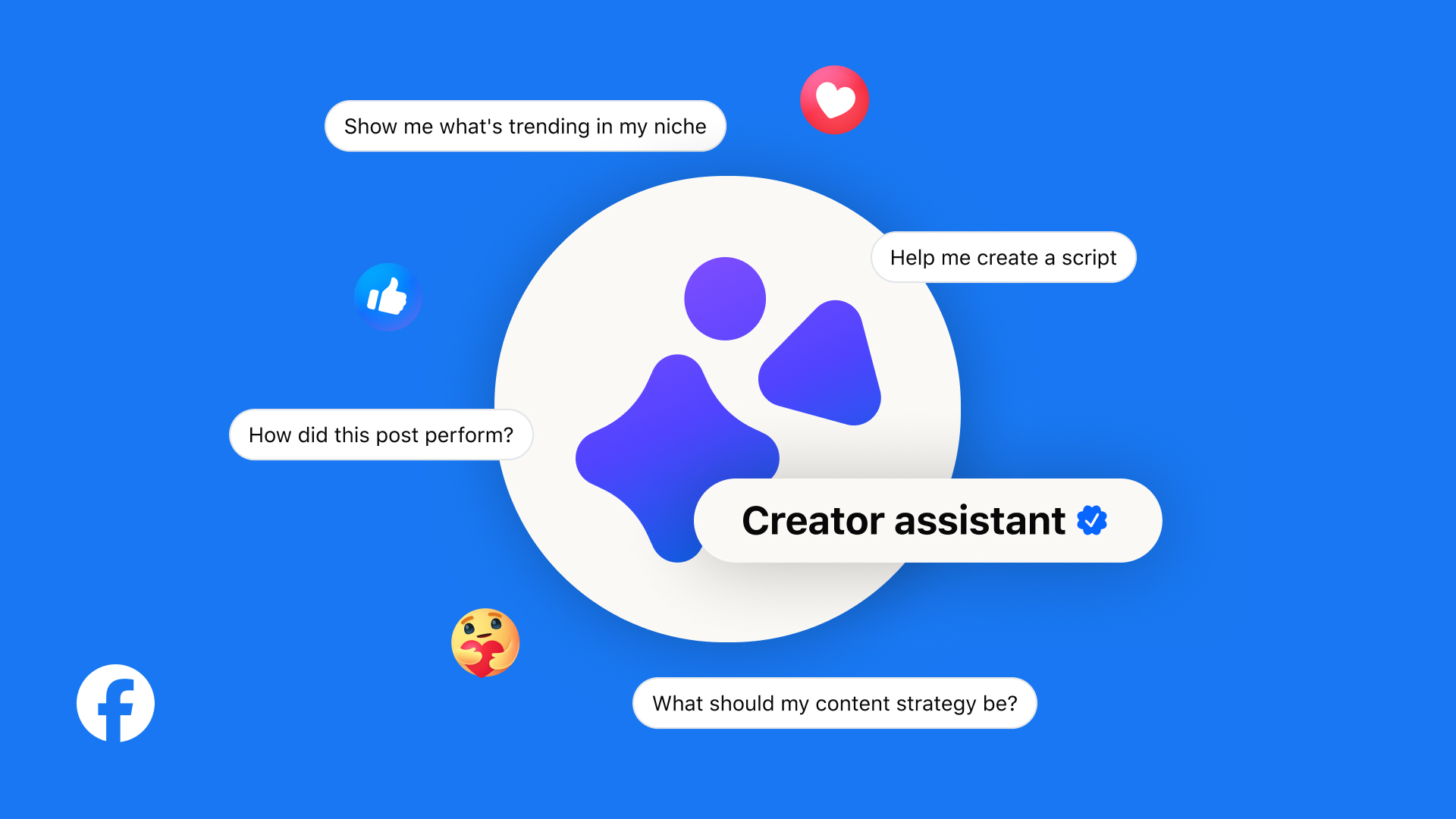
Facebook AI Auto Posting PRO is a Facebook automation tool that uses AI to create and schedule posts across Facebook pages and groups. It claims to write captions, select images, pull trending content, and automatically post at optimized times. The software targets marketers, small agencies, and business owners who need to scale Facebook activity without manual posting. It also advertises multi-account management and simple analytics to track performance.
My Personal Experience & In-Depth Walkthrough:
For the last seven days I tested Facebook AI Auto Posting PRO across three Facebook pages and one client group. I started by installing the app and connecting my Facebook accounts. The onboarding took under ten minutes. The interface guided me to authorize page posting and select post types (image, link, text, or video). Then I let the AI suggest post ideas for a week.
Step 1 — Connect accounts: I linked two pages and a group. The permissions flow was straightforward. I liked that the tool reminded me about Facebook’s API limits (this matters for safety).
Step 2 — Generate content: I asked the AI to create morning motivational posts for seven days. The AI produced readable captions in seconds. I was impressed by how the captions matched my chosen tone (this is a huge pro). Sometimes the AI leaned generic on niche topics (this is a con you should be aware of).
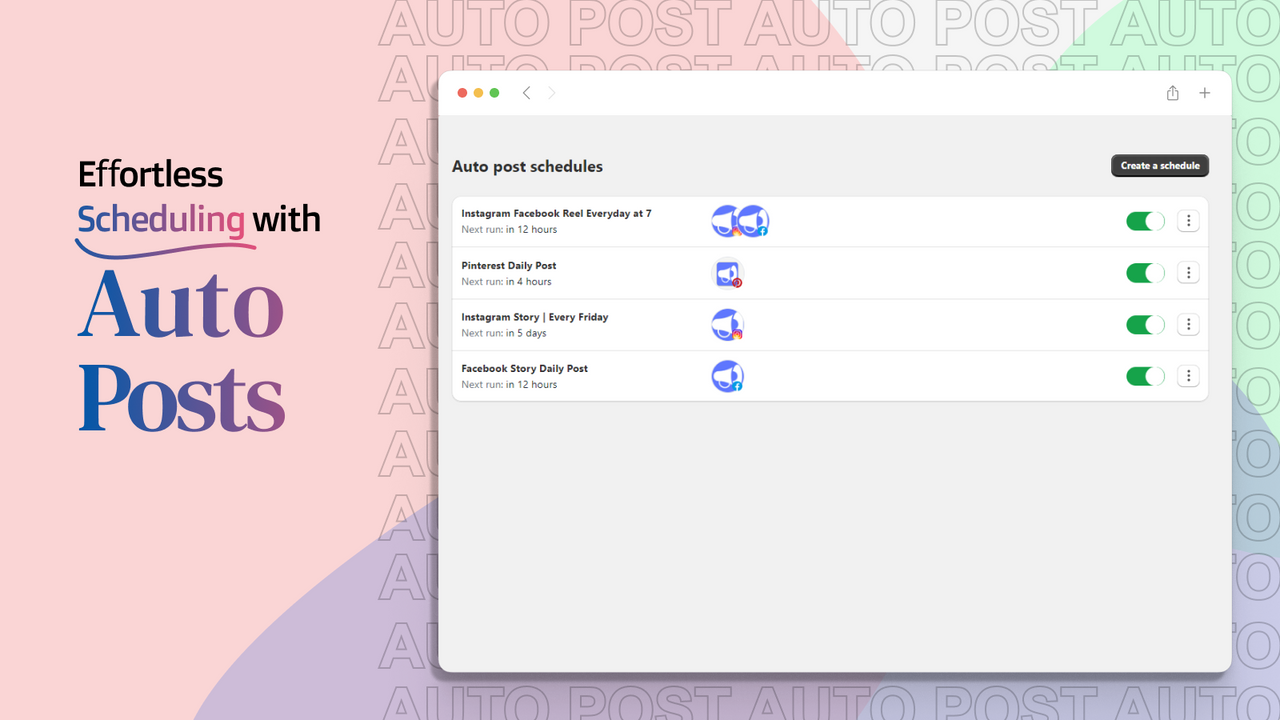
Step 3 — Schedule and optimize: I used the built-in scheduler to auto-post at peak times. The tool recommended slots based on engagement predictions. That saved time and avoided guesswork.
Step 4 — Media selection: The software suggested royalty-free images and auto-resized them. That feature worked well, but image variety felt limited at times.
Step 5 — Analytics and tweaking: After three days I reviewed simple metrics inside the dashboard. The analytics aren’t deep like enterprise tools, but they clearly highlighted top-performing posts.
What stood out to me was reliability. Posts were published promptly. I noticed a small learning curve with group posting rules. One con: the AI occasionally repeated phrases across posts. That was easy to fix by running a quick manual edit. Overall, Facebook AI Auto Posting PRO saved me roughly 5–7 hours a week on the tested accounts. That time saving alone makes it valuable if you manage multiple pages.

What Makes It Stand Out / Key Features
- AI-powered caption and post generation tailored for Facebook pages and groups
- Automated scheduler with recommended optimal posting times
- Multi-account and multi-page management from one dashboard
- Media suggestions and auto-resizing for images and thumbnails
- Post templates for promotions, engagement, and evergreen content
- Basic analytics to track reach, engagement, and best-performing posts
- Compliance reminders to stay within Facebook posting rules and API limits
What I Like
- Huge time savings when scheduling posts across multiple pages
- AI captions that match tone and shorten my content creation loop
- Simple onboarding and quick account linking process
- Scheduler recommendations that improved my engagement timing
- Reliable posting with few missed or delayed posts during testing
- Good balance of automation and manual control for fine-tuning posts

What Can be improved
- AI occasionally generates repetitive phrasing across multiple posts
- Image library is useful but could use more variety and advanced editing
- Analytics are basic; power users may want deeper reporting and A/B testing

Pricing And Affordability
Below is a representative pricing table for the typical plans offered at launch. Prices can change, so check the sales page for current offers and any limited-time early-bird discounts.
| Plan Name | Features Included | Price (Typical Launch) |
|---|---|---|
| Starter | 1 Facebook account, basic AI posts, scheduler | $17 one-time (launch) |
| Pro | Up to 5 accounts, image suggestions, recommended times | $27 one-time |
| Agency | Unlimited accounts, client management, priority support | $47 one-time |
| Reseller / Whitelabel | Rebrand rights, resell permissions, bonuses | $67–$97 one-time (limited) |
Note: Many vendors on platforms like WarriorPlus offer time-limited discounts and optional one-click upsells. If you want the current price and available bonuses, click the link below.
Why should you buy Facebook AI Auto Posting PRO
If you need consistent Facebook activity without hiring a content team, Facebook AI Auto Posting PRO is a strong, cost-effective solution. I found it best suited for solopreneurs, small agencies, and local businesses who want fast content generation and reliable scheduling. The AI speeds up idea generation and caption writing, while the scheduler keeps posts timely. You’ll save hours weekly and likely see increased page consistency and better follower engagement. For the price point at launch, it’s an attractive ROI for anyone managing multiple pages or running small digital marketing operations.
Comparison With Competitors of Facebook AI Auto Posting PRO
| Feature / Tool | Facebook AI Auto Posting PRO | Buffer | Hootsuite | SocialBee |
|---|---|---|---|---|
| AI post generation | Yes | No (integrations only) | No | Limited |
| Multi-page posting | Yes | Yes | Yes | Yes |
| Group posting | Yes | Limited | Limited | Limited |
| One-time price option | Often (launch) | Subscription | Subscription | Subscription |
| Built-in media suggestions | Yes | No | No | Some |
| Best for | Facebook-focused automation | Multi-platform scheduling | Enterprise social management | SMB content repurposing |
FAQ Of The Facebook AI Auto Posting PRO Review
Is Facebook AI Auto Posting PRO safe for my Facebook accounts?
Yes. During my testing the tool followed Facebook API best practices and reminded about posting limits. Always monitor permissions and avoid posting spammy content.
Can it post in Facebook groups?
Yes. The tool supports group posting if you have admin or required posting permissions. Group rules vary, so check group settings before scheduling.
Does the AI create unique content every time?
Mostly yes. The AI produces human-like captions quickly. Occasionally it repeats phrasing. I recommend a quick manual tweak for highly niche or brand-critical posts.
Do I need coding skills to use it?
No. The interface is user-friendly. I connected accounts, generated posts, and scheduled content without technical work.
Is this a subscription or one-time purchase?
Launch offers often include one-time pricing tiers and optional upgrades. Check the current sales page for exact billing options.
Conclusion
Facebook AI Auto Posting PRO is a practical, time-saving tool for anyone focused on Facebook marketing. I saw real time savings and consistent posting in my tests. The AI helps jumpstart content creation and the scheduler reduces guesswork. If you manage multiple pages or want to scale local marketing, the tool is worth trying at its launch price. It isn’t perfect — expect occasional repetition and room for better analytics — but its core value is strong.