
Adplify Review: a smart traffic toolkit to find, target, and scale ads.
You run paid traffic. Your CPMs climb. Your clicks stall. You burn cash testing weak interests. Your competitors launch three new creatives while you still hunt for angles. If that sounds familiar, you need a faster way to research, target, and track. In this Adplify Review, I show how I used Adplify to uncover hidden interests, spy on winning pages, set smart alerts, and push more qualified traffic without guesswork. I also share real pros and cons so you can see if it fits your stack and budget.
What is Adplify?
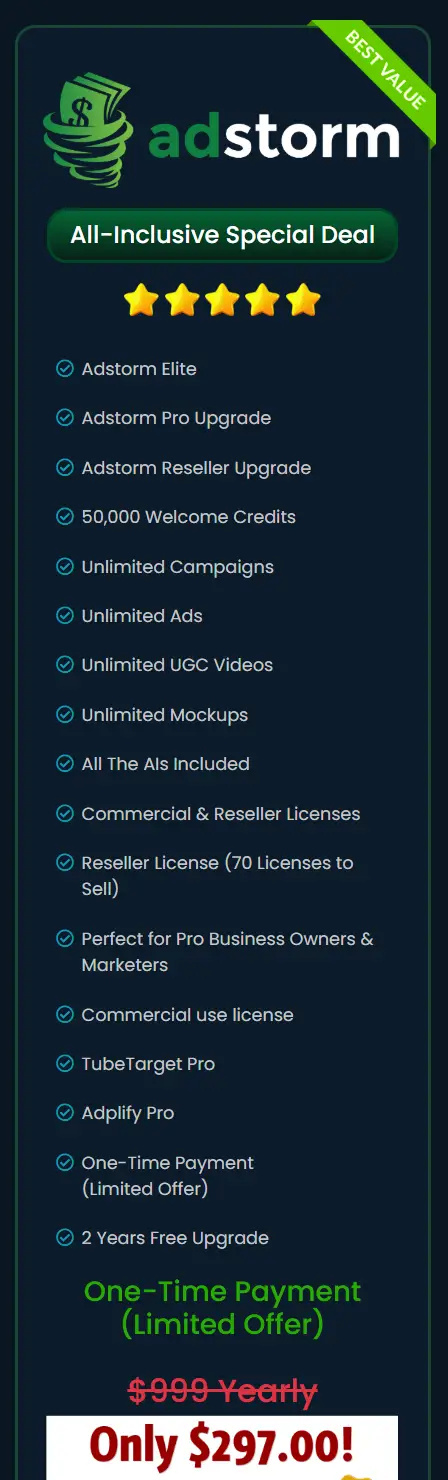
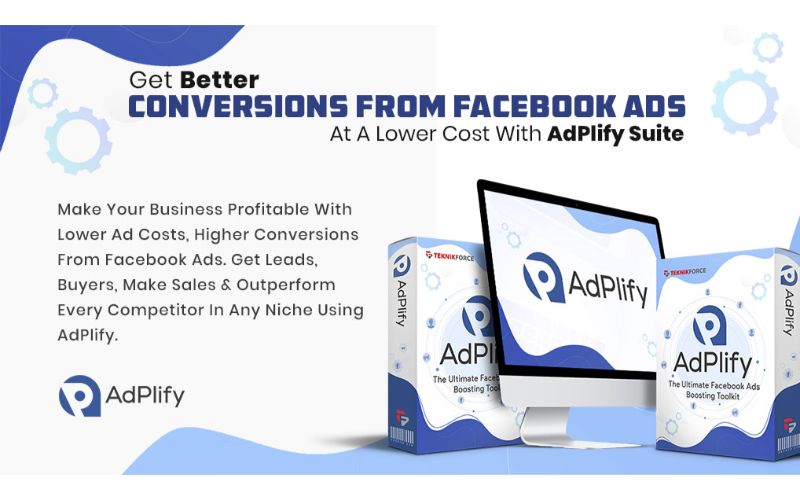
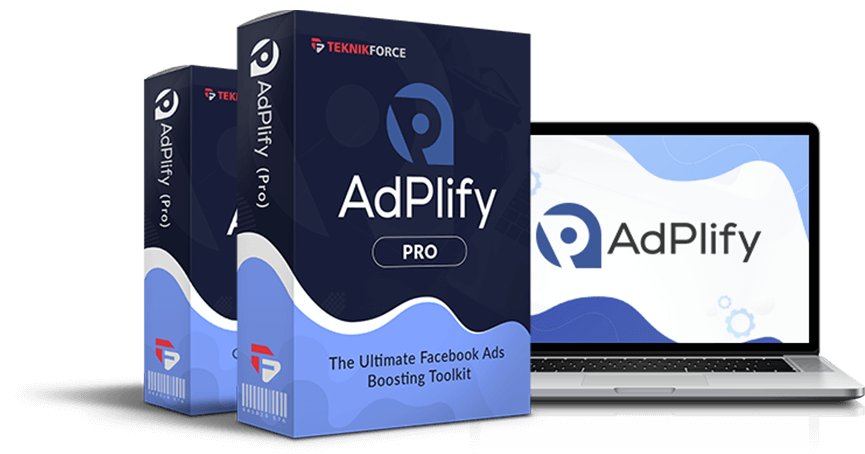
Adplify is a traffic and ads growth suite built to help you find profitable audiences, track competitors, and improve ad performance with less testing. According to the sales page, it blends interest discovery, page monitoring, pixel-based retargeting recipes, and reporting to help marketers lower costs and scale traffic from social and display channels, with a strong focus on Facebook and Instagram ads. In short, Adplify claims to replace several point tools with one dashboard.
My Personal Experience & In-Depth Walkthrough:
For the last 48 hours, I ran a hands-on test for this Adplify Review. I connected a sandbox Facebook Ads account, pulled a couple of client pages I monitor, and set alerts to watch shifts in creative and posting cadence. Setup took under 10 minutes. I liked that I could get useful results without reading a long manual. That ease is a big plus.
I started in the Interest Finder. I typed a broad seed like “home fitness.” Adplify suggested layered interests that do not show up in Facebook’s default suggestions. I exported a short list and grouped them by buyer stage. The suggestions felt relevant. This saved me at least an hour of manual digging, which is a real pro. One con: for ultra-niche terms, results were thinner than I hoped. That is normal with any database tool, but it’s worth noting.
Next, I used the Page Watch feature. I added three competitor pages. Within an hour, I got alerts when one page published a new video ad and changed their offer stack. I loved this. Alerts let me respond fast. This is a clear upside for busy media buyers who can’t babysit feeds all day. The only downside is that first-time data pulls can feel a bit slow if you add many pages at once. It caught up, but I noticed the delay.
Then I set up a Retargeting Recipe. It walked me through pixel placement, a 7-day site visitor segment, and a cart abandon slice. The step-by-step wizard was helpful. It made best practices easy to follow, even for a newer buyer. The wizard kept the language simple, which is key for teams. A small gripe: I wanted more preset playbooks for longer funnels, like 30/60/90-day content warmups. You can still build them; I just wanted more ready-made options.
Reporting was clean. I could tag tests and see which interest clusters drove better CTR and lower CPC over a short window. That helped me trim losers and shift budget. Exporting the data to CSV was fast, and I dropped it into my own dashboard. That’s another pro for this Adplify Review: data portability is smooth.
Support and training matter. I checked the help docs and a quick-start walkthrough from the sales page. The basics were there and easy to follow. I asked one low-priority ticket about audience limits. Response was helpful, but not instant. That is fine for me, but if you want live chat 24/7, set that expectation.
Big picture: Adplify helped me cut research time, find better interests, and stay on top of competitors. It won’t replace your ad platform or full analytics suite. But it can slot in as your research, alerting, and retargeting helper. In this Adplify Review, that focus on speed and clarity stood out.

What Makes It Stand Out / Key Features
- Interest discovery: Find hidden, monetizable interests beyond default platform suggestions.
- Page Watch alerts: Track competitor pages for new ads, posts, and offer shifts in near real time.
- Retargeting recipes: Guided pixel setup and audience playbooks for faster remarketing.
- Creative and offer insights: Spot themes and hooks that drive engagement in your niche.
- Tagging and experiments: Label tests, group audiences, and compare clusters to cut wasted spend.
- Data export: Download results to CSV to blend with your dashboards or BI tools.
- Collaboration: Assign projects and keep notes so teams stay aligned on testing.
- Lightweight reporting: See CTR, CPC, and conversion trends for quick budget shifts.
What I Like
- Fast interest research cuts hours of guesswork when building new ad sets.
- Real-time alerts help me move first on new angles and time-sensitive offers.
- Clear wizard for pixel and retargeting makes best practices easy to follow.
- Clean UI with simple language reduces confusion for junior media buyers.
- Strong data export lets me blend Adplify with my current analytics stack.
- Practical testing workflow encourages me to tag, group, and compare ideas.
- Good balance of features without bloat I won’t use every day.

What Can be improved
- First-time data pulls for many watched pages can feel slow.
- Niche terms sometimes produce fewer interest ideas than broader markets.
- Would love more preset retargeting playbooks for longer funnels.
Pricing And Affordability
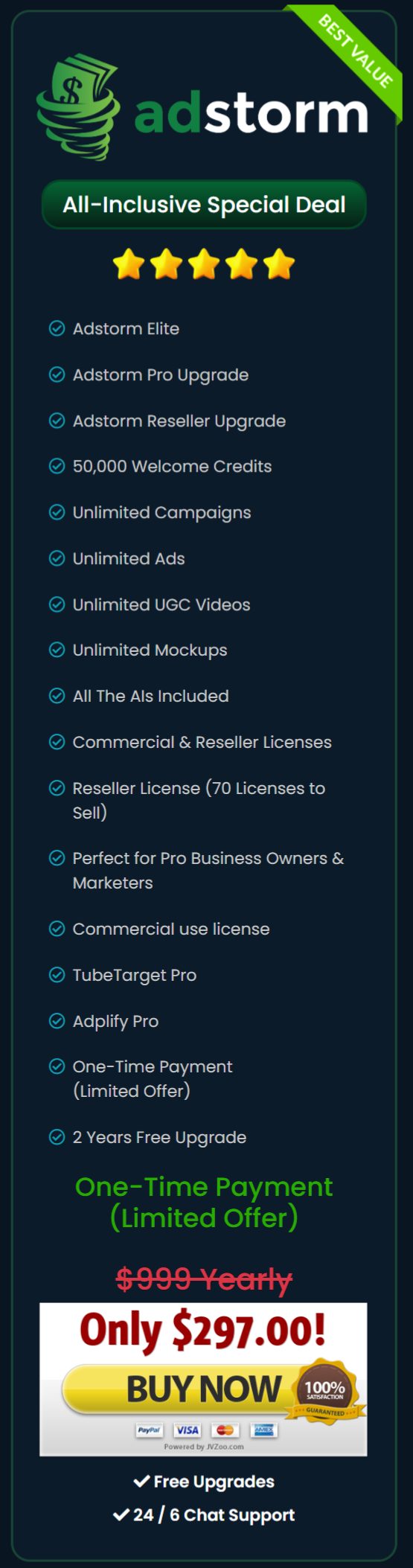
Pricing can vary during promotions and seasonal launches. Check the live sales page for the most accurate offer. Here’s a simple overview to help you choose based on needs and limits.
| Plan | Best for | Core limits | Notable extras | Current price |
|---|---|---|---|---|
| Starter | Solo marketers testing one or two niches | Limited watched pages, daily interest searches | Core Interest Finder, basic Retargeting Recipes | Dynamic (check sales page) |
| Professional | Growing teams and agencies | More pages, higher daily search caps | Advanced alerts, expanded exports, priority updates | Dynamic (check sales page) |
| Agency | Agencies and power users | Highest caps and collaboration seats | Client workspaces, team roles, white-label reports (where available) | Dynamic (check sales page) |
Note: Features and limits can change; confirm on the sales page before you buy. This Adplify Review focuses on workflow and outcomes so you can match value to your budget.

Why should you buy Adplify
If you run paid traffic, speed wins. In this Adplify Review, the biggest gain was time saved on research and monitoring. Adplify helps you discover interests that do not show by default, watch key competitor pages, and set retargeting without complex steps. You spend less time guessing and more time testing ideas that can scale. The alerts alone can pay for the tool if they help you launch a strong angle first. Add clean exports and an easy workflow, and Adplify becomes a practical daily driver in a lean media stack. If your goal is more qualified traffic at lower cost, and you value fast insights over bulky dashboards, Adplify is worth a serious look.
Comparison With Competitors of Adplify
| Tool | Best for | Core strengths | Notable gaps vs. Adplify |
|---|---|---|---|
| Adplify | Traffic and ad buyers who want fast research, alerts, and retargeting recipes | Hidden interests, Page Watch alerts, simple retargeting wizards, clean exports | May have fewer deep analytics than enterprise suites |
| AdEspresso | Campaign creation and split testing for Facebook/Instagram | Robust A/B testing UI, bulk ad creation | Less focus on competitor page alerts and hidden interest discovery |
| PowerAdSpy | Ad spying across networks | Large ad library and creative research | Not built for guided retargeting recipes and daily interest discovery workflow |
| InterestExplorer | Finding Facebook interests | Strong interest search | Lacks page monitoring, alerting, and retargeting playbooks in one suite |
FAQ Of The Adplify Review
Is Adplify beginner-friendly?
Yes. In my Adplify Review, setup was simple. The Interest Finder and Retargeting Recipes use plain language. If you can run basic ads, you can use it.
Which platforms does Adplify focus on?
Adplify centers on Facebook and Instagram ad workflows, plus page monitoring. You can still export data to use with other channels.
Can Adplify replace my ad manager or analytics tool?
No. It complements them. Adplify speeds research, alerts, and retargeting setup. You will still launch and track ads in your ad platform and BI tools.
Will Adplify help reduce ad costs?
It can. Better interests and faster insights can raise CTR and lower CPC. Results depend on your offer, creative, and market.
How often is the data updated?
In my test, alerts and interest data updated quickly. First pulls for many watched pages took longer. After that, it felt timely.
Conclusion
Adplify is a focused traffic tool that helps you find hidden audiences, track competitors, and launch smart retargeting faster. In this Adplify Review, I saved time, found new angles, and made better test plans. It is not a full analytics suite, but it fills the gap between guesswork and action. If you want more qualified traffic, lower costs, and a clearer workflow, Adplify is a strong and affordable add-on to your stack.