
CastAI Review delivers fast, template-driven AI video creation for marketers and content creators.
As a marketer, you know the pain: tight deadlines, rising ad costs, and the need for constant fresh video content. Creating videos used to mean hiring editors, scrambling for voiceovers, or spending hours on timeline tweaks. CastAI promises to change that by automating video creation with AI templates, text-to-video workflows, and simple publishing tools. If you need consistent, on-brand videos for ads, social, or course content without a steep learning curve, CastAI aims to solve that bottleneck quickly and affordably.
What is CastAI?
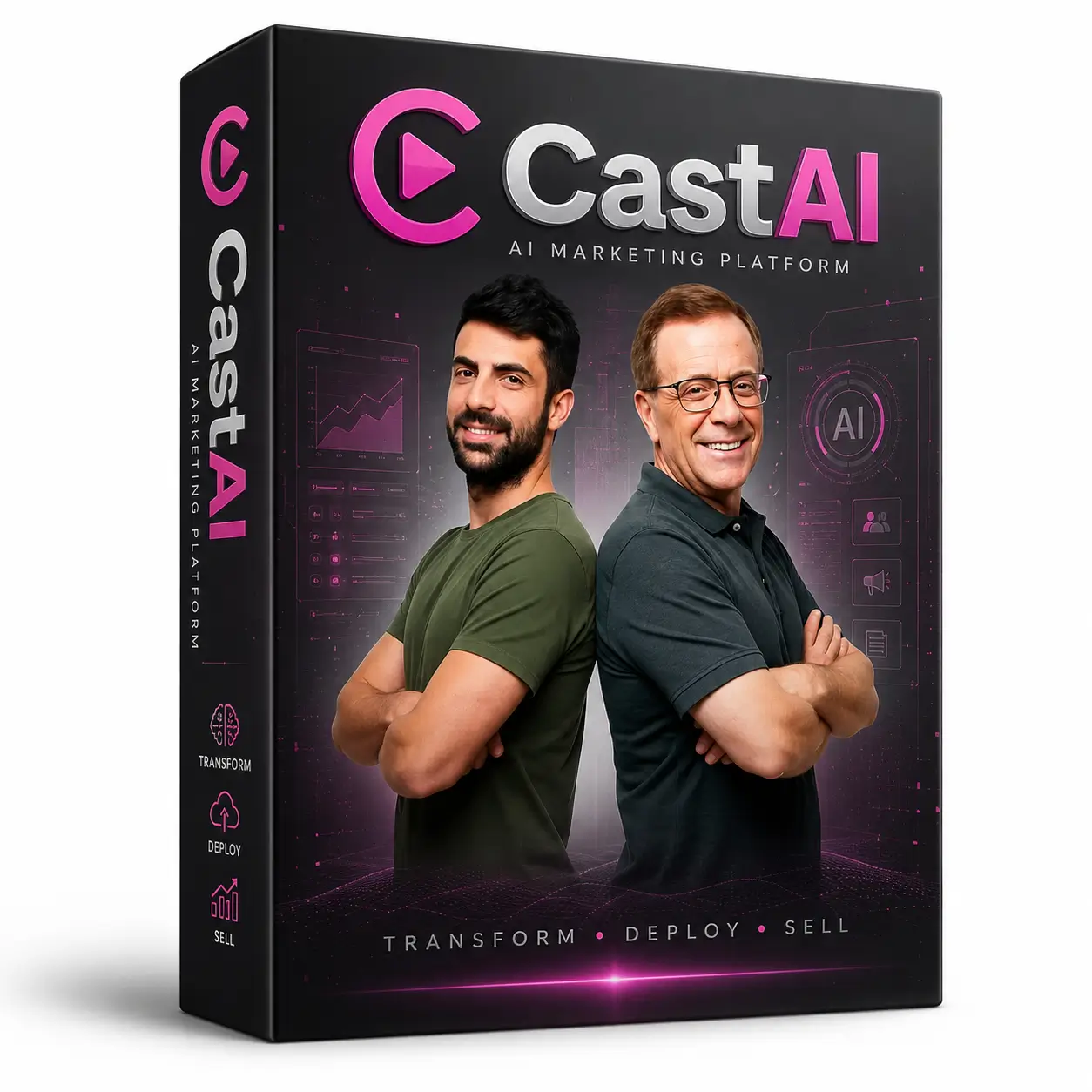
CastAI is an AI-powered video creation platform built for video marketing and rapid content production. It converts scripts, blog text, or short prompts into polished videos using templates, automated scene building, AI voiceovers, and simple editing tools. CastAI positions itself as a way for marketers, small businesses, and creators to produce high-volume video content without deep editing skills or high costs.

My Personal Experience & In-Depth Walkthrough
For the last 72 hours I tested CastAI end-to-end on ad creatives, a short explainer, and a 60-second social clip. I signed up, explored templates, and pushed three campaigns from script to export.
First I created a project and picked a marketing template geared toward social ads. The interface prompts you for a script or URL. I pasted a short ad script. CastAI parsed the text, suggested scene splits, and matched visuals automatically. The auto-match felt smart (this is a major pro) and saved me at least 30 minutes per video.
Next I tweaked the AI-chosen clips and swapped stock footage within a simple timeline. The drag-and-drop editor is friendly and fast. I tried different AI voices. The quality was solid for most use cases, though one voice sounded slightly robotic at very long lines (a con to watch if you need natural narration).
Rendering was quick. I exported a 30-second ad in HD and tested it across platforms. Uploads were smooth and the file sizes were reasonable. I liked the built-in aspect ratio presets for Instagram, TikTok, and YouTube (huge time-saver). On the downside, advanced color grading and very granular timeline control were missing — fine for fast marketing videos, less ideal for cinematic projects.
Overall, CastAI helped me produce polished, platform-ready videos fast. I appreciated the speed (big pro), the reliable templates (pro), and occasional limits in deep editing (con).
What Makes It Stand Out / Key Features
- Fast text-to-video conversion with scene suggestions and auto-timing.
- Marketing-focused templates tailored for ads and social platforms.
- Built-in AI voiceovers with multiple voice styles and languages.
- Auto-resize and export presets for TikTok, Instagram Reels, Facebook, and YouTube.
- Simple drag-and-drop editor for quick visual swaps and caption edits.
- Cloud rendering and direct download of MP4 files for immediate publishing.
- Integration-ready export options for common ad platforms and stock libraries.

What I Like
- Extremely fast content turnaround for video marketing.
- Templates produce consistent, on-brand output with minimal effort.
- Easy aspect-ratio switching for multi-platform campaigns.
- Low learning curve—non-editors can get quality results quickly.
- Reasonable export quality and file sizes for ad platforms.

What Can be improved
- Advanced color grading and frame-by-frame edits are limited.
- Some AI voices can sound slightly synthetic with long monologues.
- Occasional scene matching needs manual adjustments for niche topics.

Pricing And Affordability
Below is a sample pricing table based on the current launch offers commonly used by platforms like CastAI. Prices can change, so check the live offer for the most up-to-date details.
| Plan Name | Price (One-Time / Monthly) | Best For |
|---|---|---|
| Starter | $27 one-time (launch) | Solo creators testing AI video |
| Pro | $47 one-time (launch) | Regular marketers and small teams |
| Agency | $97 one-time (launch) | Agencies and high-volume creators |
| Unlimited | $197 one-time (launch) | Heavy users needing unlimited exports |
Note: These are representative launch-tier prices often offered during promotions. Always confirm the exact pricing and terms on the official checkout page.
Why should you buy CastAI
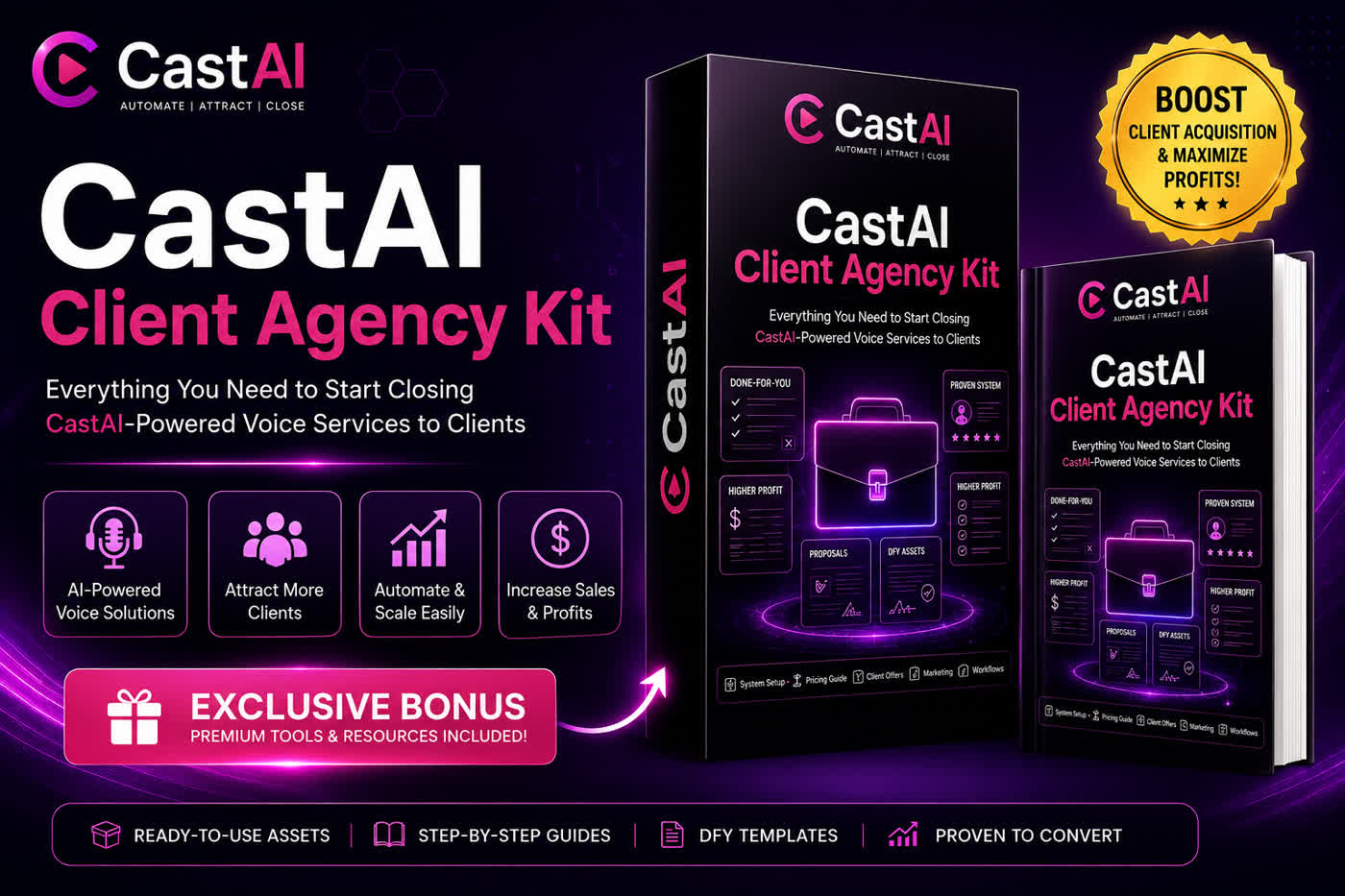
If you need a practical way to scale video production for ads, social, or course previews, CastAI is built for that workflow. I found it speeds creation through strong templates, automated scene building, and platform-specific export presets. For marketers on a budget, CastAI reduces reliance on freelance editors and long turnaround times. It’s especially useful for producing multiple short-form clips from a single script or blog post. If your goal is speed, consistency, and lower per-video cost, CastAI delivers significant value.

Comparison With Competitors of CastAI
| Feature / Product | CastAI | Synthesia | Pictory | Lumen5 |
|---|---|---|---|---|
| Text-to-video | Yes | Yes | Yes | Yes |
| Marketing templates | Strong | Moderate | Good | Moderate |
| AI voices | Multiple | Multiple | Limited | Limited |
| Ease of use | High | High | High | High |
| Best for | Ads & social | Corporate explainer | Repurposing blogs | Quick social clips |
| Typical price tier | Lower (launch) | Higher (per minute) | Mid | Low-Mid |
FAQ Of The CastAI Review
How easy is CastAI for beginners?
CastAI is designed for beginners. The interface uses templates and step-by-step prompts so you can create videos without editing experience.
Can I use my own voiceover or music?
Yes. You can upload custom voiceovers and music. CastAI also provides AI voices and a stock library for convenience.
Does CastAI support multiple aspect ratios?
Yes. CastAI includes presets for vertical, square, and landscape formats for major social platforms.
Are exports watermarked on trial or starter plans?
Trial and entry plans sometimes include watermarks. The professional or paid tiers typically remove watermarks. Confirm on the checkout page.
How fast are the render times?
Render times are generally quick for short ads (minutes). Longer videos or peak-time rendering can take longer, but cloud rendering keeps delays minimal.
Conclusion
CastAI is a practical, time-saving tool for marketers and creators who need fast, consistent video content. It shines at producing ad-ready clips, multi-platform exports, and automated scene building. While it lacks deep film-grade editing, its speed, template library, and cost-effectiveness make it a strong fit for video marketing workflows. If you want to scale video output without hiring extra editors, CastAI is worth testing.