
You’re here because you care about what is saas onboarding and how to do it right. I’ve helped teams build onboarding for products used by thousands. SaaS onboarding is the guided path that turns new sign-ups into happy, active users. It covers everything from the first login to the first “aha!” moment, and it never stops improving. In this guide, you’ll get a clear plan, real examples, and proven metrics to measure success.
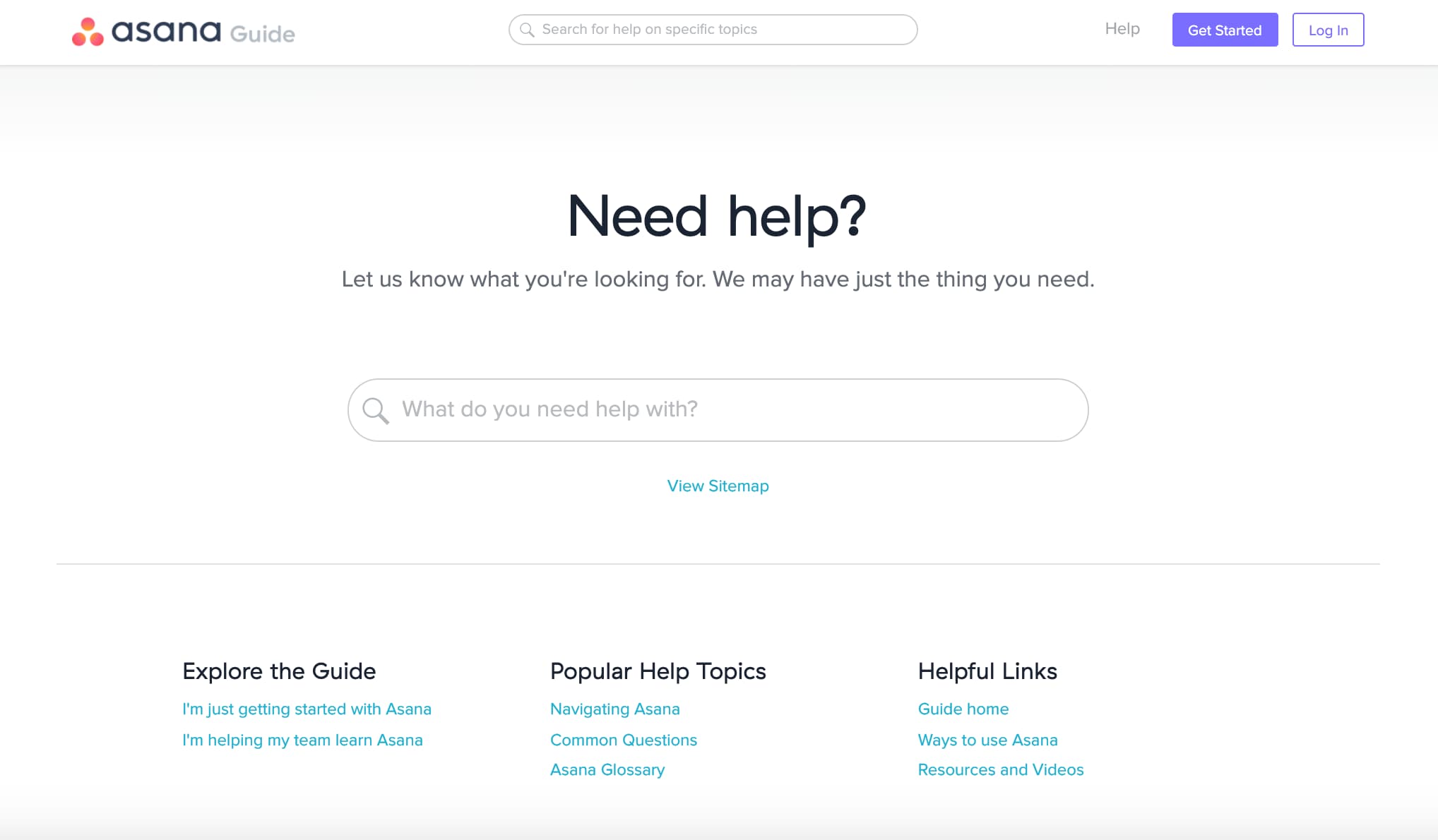
Source: www.appcues.com
What Is SaaS Onboarding?
SaaS onboarding is the process of helping new users get value from your product fast. It starts at sign-up and continues until users see reliable results. Think of it like a friendly tour that shows users only what they need, when they need it.
Great onboarding reduces friction. It builds trust, shortens time to value, and keeps churn low. It blends UX, education, support, and data into one smooth journey.
Why SaaS Onboarding Matters
Onboarding is where users decide to stay or leave. Most churn happens early, often in the first days. A good onboarding experience boosts activation, retention, and revenue.
Teams that invest in onboarding see higher product adoption and lower support debt. It also helps marketing and sales by turning trials into paid users. Done right, onboarding becomes a growth engine, not a checklist.
Core Stages Of The SaaS Onboarding Process
Every product is different, but the best onboarding follows a simple flow:
- Pre-sign-up intent The user sees clear value on your site and has a reason to try.
- Account creation Make sign-up easy with minimal fields and SSO options.
- First session Show a short tour or checklist with the next best step.
- Activation Help users complete 1 to 3 key actions that unlock value.
- Early habit building Use nudges, tips, and emails to keep momentum.
- Expansion Introduce advanced features once core value is clear.
In my experience, teams that define “activation” with specific events move faster. For example, “Import one dataset and publish one report” beats “Explore the dashboard.”
Popular Onboarding Flows (And When To Use Them)
Pick the flow that fits your product and audience:
- Guided checklist Best for tools with clear steps. Users see progress and feel in control.
- Interactive walkthroughs Good for complex UIs. Show tips in context as users click.
- Sample data or templates Great for analytics, finance, or design tools. Users see value in minutes.
- Concierge onboarding Use for high-ACV or technical products. Human help speeds up setup.
- Email and in-app nudges Combine both. Emails explain why, in-app tells how.
A simple rule I use If users feel lost in 60 seconds, switch to a guided checklist with one clear goal.
Key Metrics To Track (So You Know It’s Working)
Measure onboarding like a funnel:
- Activation rate Percent of sign-ups who complete your key actions.
- Time to value How long it takes to reach the first aha moment.
- Onboarding completion Percent who finish your checklist or walkthrough.
- Day 1, Day 7, Day 30 retention Who comes back after the first session.
- Feature adoption Use per core feature in the first week.
- Support signals Tickets, rage clicks, and drop-off points.
Industry data shows that faster time to value correlates with higher retention. Track by segment, not just overall, to spot friction for different roles and industries.
Best Practices For High-Converting SaaS Onboarding
Use these field-tested tips:
- Start with user goals Ask “What do you want to do today?” Then tailor steps.
- Cut steps Ruthlessly remove non-essential fields and screens.
- Teach by doing Replace long tours with 1-step micro tasks in the UI.
- Show progress Use checklists, progress bars, and quick wins.
- Personalize content Use role-based flows and relevant examples.
- Offer an escape route Let users skip and explore if they prefer.
- Close the loop Send recap emails with the next step and helpful links.
- Build trust Explain why you ask for permissions or data.
From my own launches, adding sample projects cut activation time by 40 percent. Users learn faster when they can click and see real outcomes.
Common Mistakes To Avoid
I’ve made these mistakes so you don’t have to:
- Overloading the first session Too many tips cause decision fatigue.
- Hiding value behind paywalls Let users try the core value first.
- One-size-fits-all flows Different roles need different paths.
- Ignoring empty states Blank screens kill momentum. Seed them with examples.
- Measuring vanity metrics Page views don’t equal progress.
When we replaced a 14-step tour with a 4-step checklist, activation jumped in a week. Less is more if each step unlocks value.
Tools And Technology That Help
You can build onboarding in-house or with tools:
- Product tours and tooltips Create guided walkthroughs and in-app tips without code.
- Onboarding checklists Track progress and trigger next steps.
- Analytics and product telemetry Watch funnels and event-based paths.
- Session replay See where users struggle.
- Email and messaging Trigger behavior-based nudges.
- AI assistants Answer setup questions in context.
Choose tools that support experiments and A/B tests. The goal is learning speed, not perfect on day one.
Designing Your First Activation Moment
Your activation moment is the turning point when value clicks. Define it with evidence:
- Map one core job to be done What job is the user hiring your product for?
- List the minimum steps needed Cut anything that does not unlock value.
- Set a success event Track it with analytics. Make it visible to the team.
- Shorten the path Use templates, importers, or automations.
Example For a CRM, activation might be “Import 50 contacts and send first sequence.” Everything in onboarding should point to that.
Personal Stories And Lessons Learned
When I led onboarding for a B2B tool, we pushed a long tour on day one. Users dropped off fast. We switched to a simple checklist with two tasks. We also added a pre-filled demo workspace. Activation rose 32 percent, and support tickets fell.
Another time, a compliance step scared users. We added plain-language copy that explained the why and linked to a short policy. Drop-off cut in half. Clear writing often beats more features.
Cross-Functional Playbook For Teams
Onboarding works best when teams align:
- Product Defines activation, events, and flows.
- Design Writes copy, builds UI patterns, and tests clarity.
- Engineering Ships events, tooltips, and performance improvements.
- Marketing Creates emails, videos, and templates.
- Sales and CS Run concierge calls for high-value accounts.
- Data Leads instrumentation and analysis.
Meet weekly. Review funnel data and top blockers. Ship one improvement each cycle. Small wins stack up.
Compliance, Privacy, And Trust In Onboarding
Users share data early. Earn trust from the start:
- Be transparent Explain what you collect and why.
- Ask at the right time Request permissions when value is clear.
- Respect roles and least privilege Limit access based on user role.
- Offer control Let users edit or delete imported data.
- Document security Summarize your controls in plain language.
Trust is part of onboarding. Clear consent and simple settings reduce fear and speed adoption.
A Simple 10-Step SaaS Onboarding Checklist
Use this to launch or improve fast:
- Define the activation event with one sentence.
- Cut sign-up fields to the essentials; add SSO.
- Add a welcome screen that asks for user role and goal.
- Seed the product with sample data or templates.
- Build a 3 to 5 step in-app checklist to reach activation.
- Write plain-language copy for each step.
- Set behavior-based emails for stuck users.
- Instrument events and build an activation dashboard.
- Run one A/B test per week on the highest drop-off step.
- Interview 5 users monthly to learn what still hurts.
If you do only one thing this week, pick the checkpoint with the biggest drop-off and fix just that.
Frequently Asked Questions Of What Is SaaS Onboarding
Q. What does SaaS onboarding include?
SaaS onboarding includes sign-up, first session guidance, activation steps, help content, and follow-up messages. It may also include templates, sample data, and live support.
Q. How long should onboarding take?
Aim for minutes, not days, to hit the first value. Full adoption can take weeks, but the first win should happen in the first session.
Q. What is an activation event?
An activation event is a clear action that proves value for the user. Examples include “create first project,” “import data,” or “invite a teammate.”
Q. Do I need different onboarding for different roles?
Yes. Admins, end users, and executives often have different goals. Role-based paths boost relevance and completion.
Q. How do I measure onboarding success?
Track activation rate, time to value, onboarding completion, retention, and feature adoption. Use funnels and session replays to find friction.
Q. Should onboarding be optional?
Give users control. Offer a short guided path and a skip option. Many users prefer to learn by doing.
Conclusion
SaaS onboarding is the bridge between sign-up and real value. Keep it focused on one job, make the first win fast, and improve it with data and feedback. Start small, measure what matters, and ship steady fixes.
Pick your activation event today, build a simple checklist, and test one improvement this week. Want more guides like this? Subscribe, share your questions in the comments, and tell me what you’re building next.