
A SaaS CMS is a cloud-hosted content platform you access via subscription.
If you have asked what is a saas cms, you are in the right place. I’ve built, migrated, and scaled sites on many platforms. In this guide, I break down what is a saas cms with plain language, real examples, and steps you can use today.
What is a SaaS CMS?
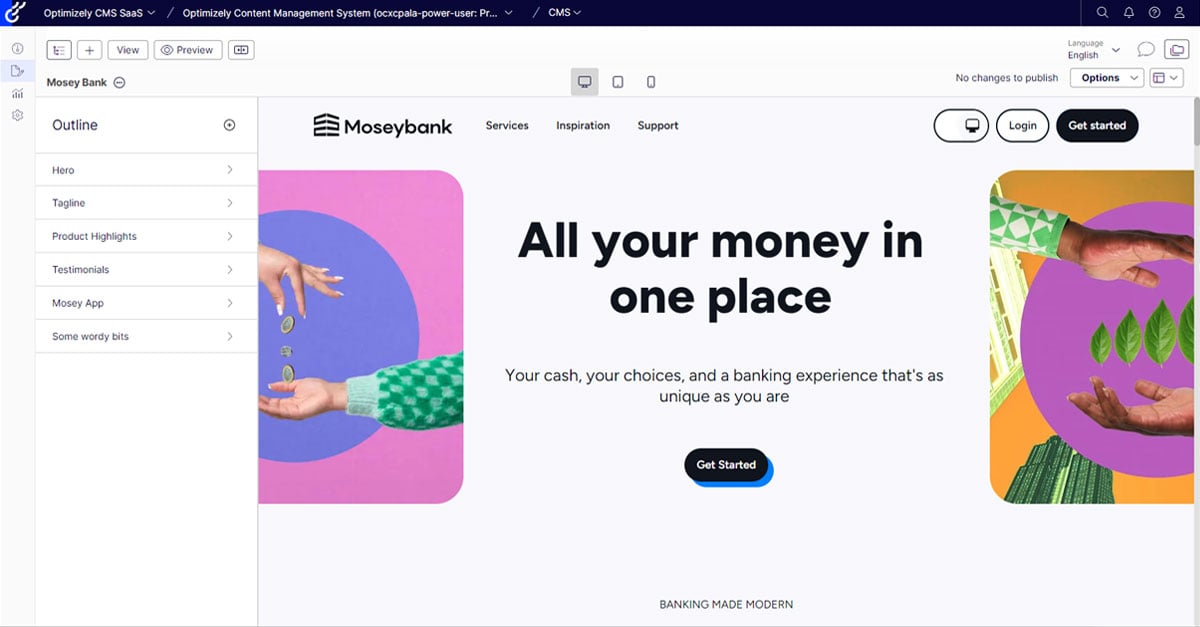
A SaaS CMS is a content management system you use over the internet. The vendor hosts the software. You log in, create content, and publish to web, apps, or any channel.
It removes the need to install, patch, or manage servers. The vendor handles uptime, security, and updates. You pay a monthly or yearly fee.
When people ask what is a saas cms, I say it is a faster path to publish. It works well for teams that want speed, scale, and less IT work.
Common SaaS CMS examples include Webflow, Contentful, Storyblok, Squarespace, and Shopify’s CMS tools. Some are headless. Some are visual and site-first. Many offer both.
How a SaaS CMS Works
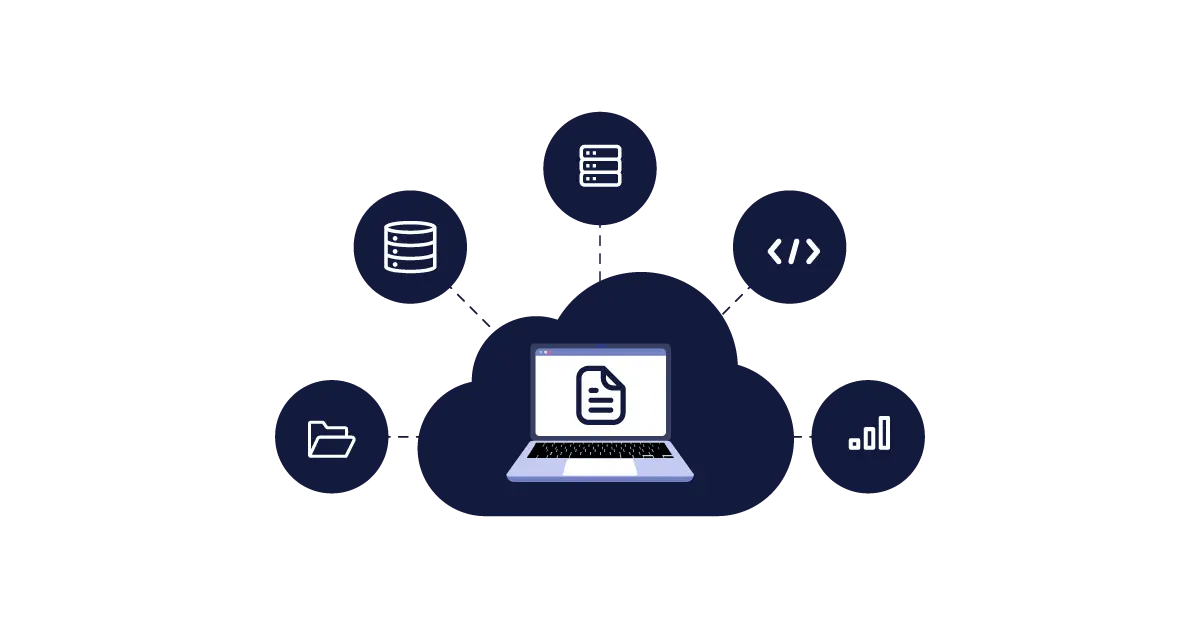
The provider runs the CMS in the cloud. Most use a multi-tenant setup with strong isolation. You get a secure space for your content.
You manage content in a browser. You can also use APIs to fetch content for sites, apps, or screens. Updates roll out without your team touching servers.
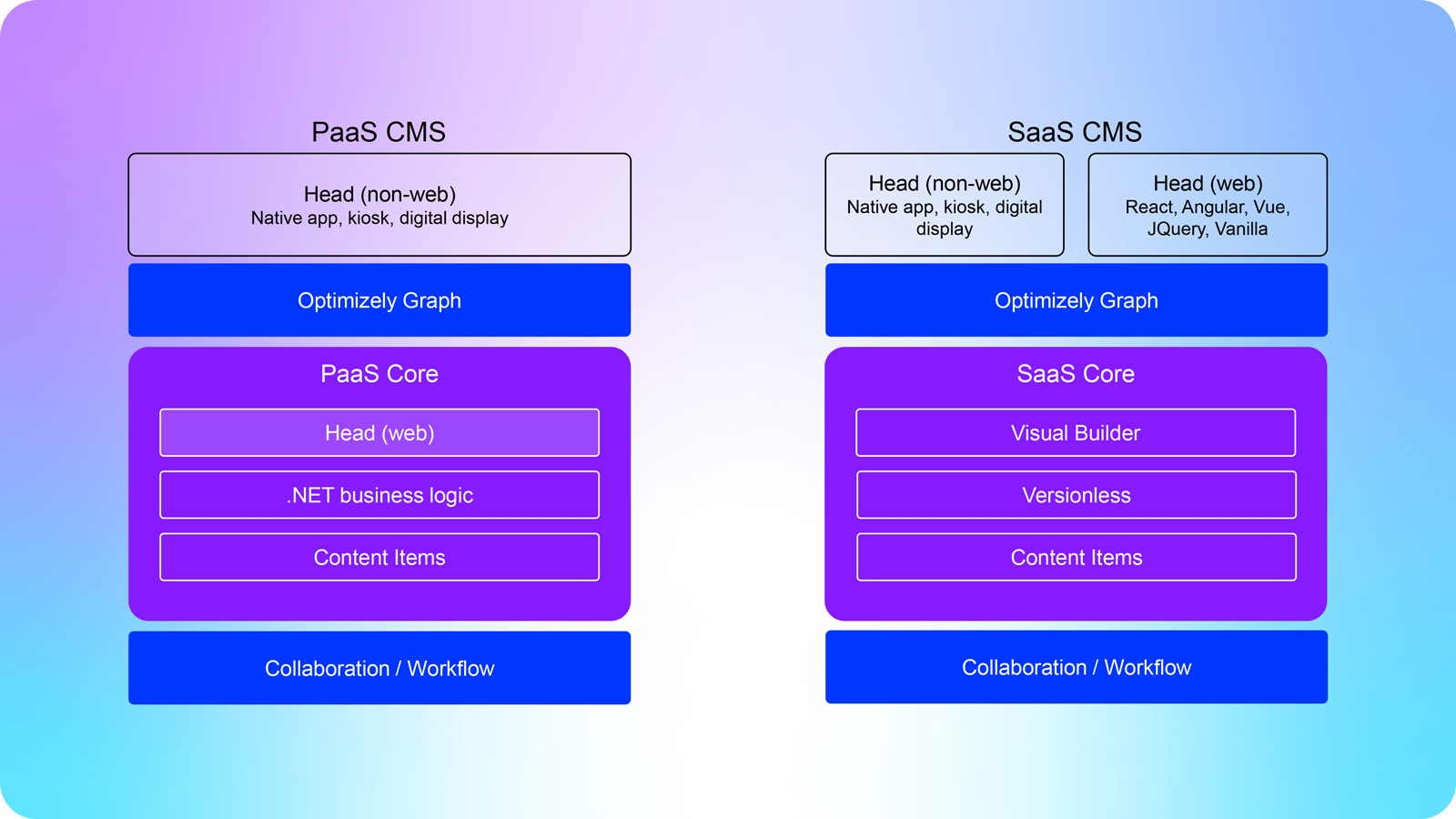
A SaaS CMS may be headless, coupled, or hybrid. Headless works through APIs. Coupled has built-in templates and hosting. Hybrid gives you both paths.
If you wonder what is a saas cms from a tech view, think “content hub plus APIs plus hosting,” managed for you.
Benefits of a SaaS CMS
- Faster launch times You skip server setup and patches.
- Lower total cost of ownership You reduce DevOps and maintenance.
- Built-in security The vendor manages updates, WAFs, and patches.
- Scalability Elastic resources handle traffic spikes.
- Global CDNs Faster loads across regions.
- Automatic updates New features arrive without downtime.
- Uptime SLAs Many promise 99.9% or higher.
- Easy collaboration Roles, workflows, and comments help teams move fast.
These gains are why searches for what is a saas cms keep rising. It solves the pain of hosting and upkeep.
SaaS CMS vs Traditional CMS vs Headless
- Traditional CMS You host and manage servers. You own it, but you patch it.
- SaaS CMS The vendor hosts it. You focus on content and features.
- Headless CMS Content via APIs. Great for sites, apps, and omnichannel.
Many users ask what is a saas cms compared to headless. The answer is that many SaaS CMSs are also headless. Others are coupled with visual editing. Pick the one that fits your stack.
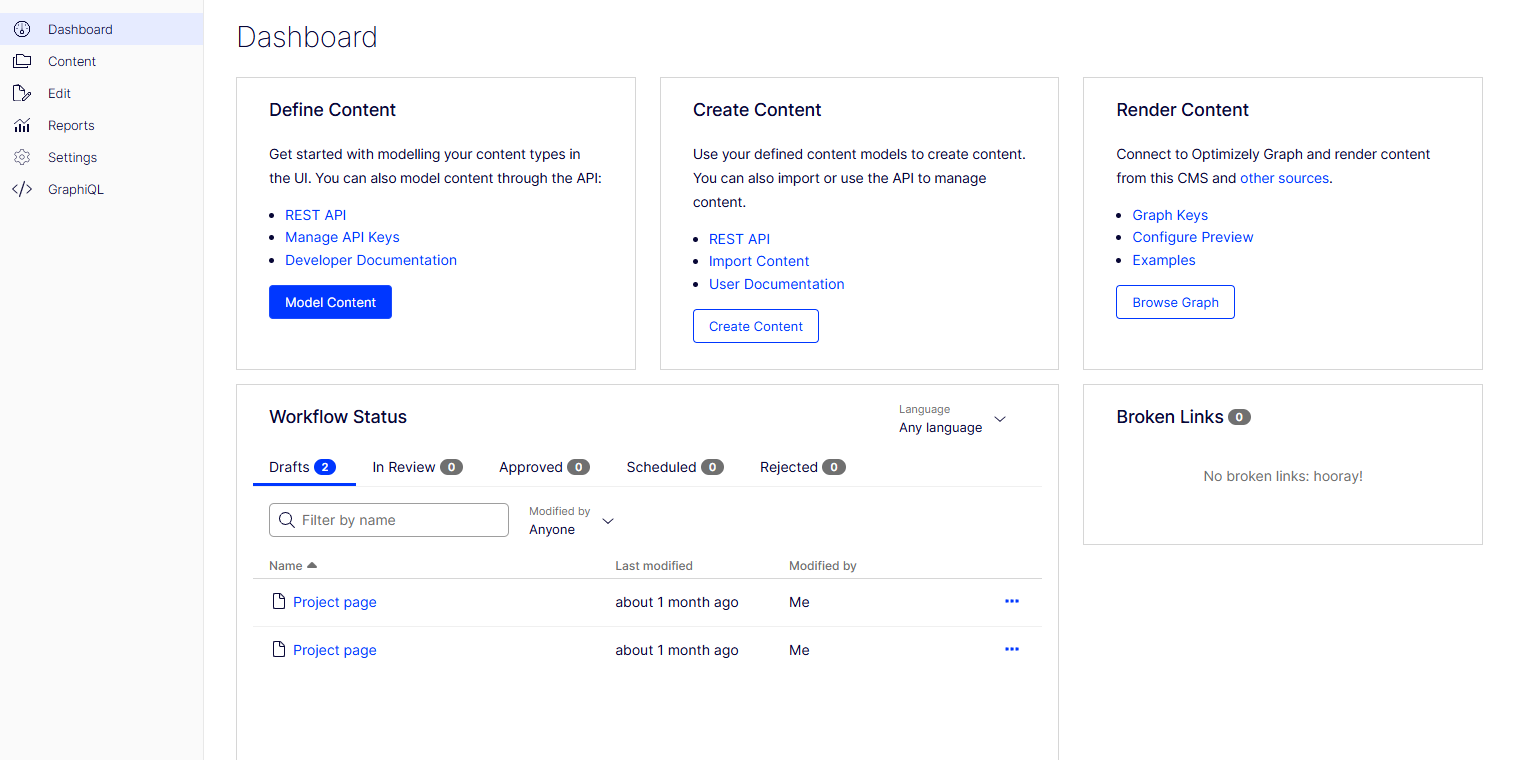
Core Features to Expect
- Content modeling Build content types, fields, and relationships.
- Rich editors Create text, media, embeds, and components.
- Roles and workflows Control who edits and who approves.
- Versioning and audit logs Track changes and rollback.
- Media library Optimize images and videos.
- Localization Manage many languages and markets.
- SEO tools Meta tags, sitemaps, redirects, and schema basics.
- APIs and SDKs REST, GraphQL, and webhooks for devs.
- Visual editing and preview See changes before you publish.
- Integrations Connect to analytics, CRM, search, and more.
If you want a shortcut to what is a saas cms in practice, it is these features done well and ready on day one.
Real-Life Use Cases and Examples
- Marketing sites Launch pages fast, run A/B tests, and update often.
- E-commerce Manage content for products, blogs, and landing pages.
- Mobile apps Ship content to iOS and Android via APIs.
- Multi-brand portals Share content and style systems across brands.
- Global sites Localize content and deliver with a CDN.
From my own work, we moved a multi-brand site from a self-hosted CMS to a SaaS CMS. Launch time for new pages dropped from days to hours. The main lesson Learn content modeling early. We first copied old fields and paid for it later. We then set clean content types and life got much easier.
If you still ask what is a saas cms, picture a single hub that feeds every channel with less friction.
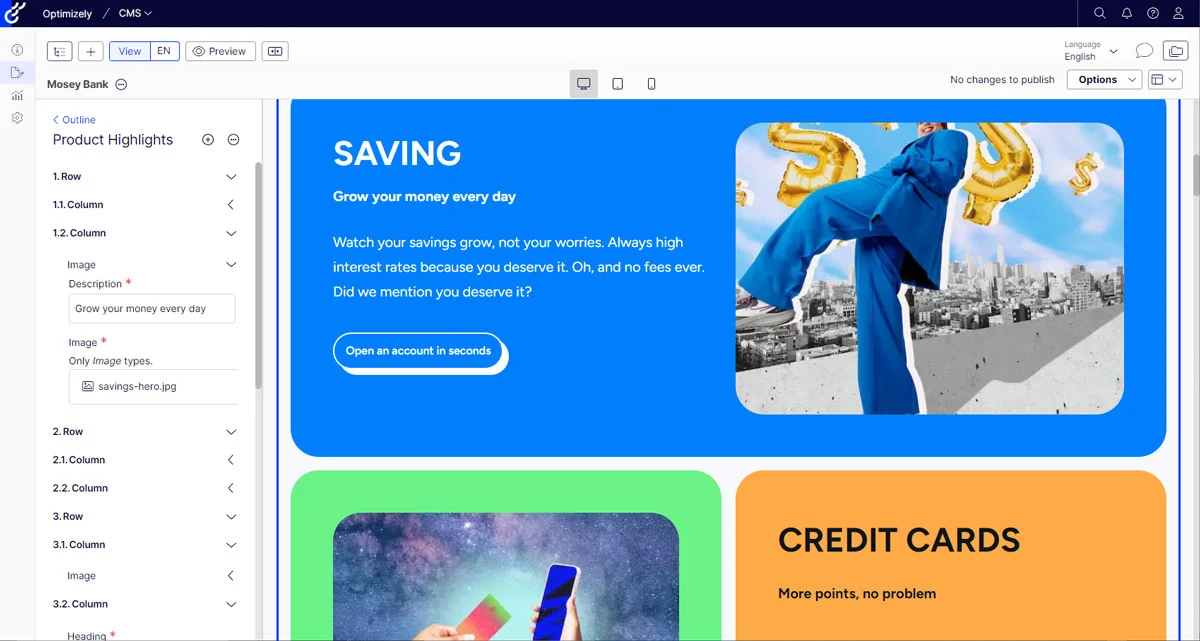
Implementation Guide
- Define goals What outcomes matter? Speed, SEO, or omnichannel?
- Pick a model Headless, coupled, or hybrid based on team skills.
- Run a pilot Start with one site or section.
- Model content Plan types, fields, and reusables. Avoid one giant “rich text” field.
- Set roles and workflows Keep edits safe and fast.
- Integrate APIs Connect to your site, app, or store.
- Migrate content Clean data. Map fields. Test redirects.
- Train the team Create short playbooks and patterns.
- Test and launch Run checks for SEO, performance, and access control.
- Measure impact Track TTFB, Core Web Vitals, lead flow, and time-to-publish.
These steps turn the question what is a saas cms into a real plan for your team.
Pricing and ROI
SaaS CMS pricing often blends seats, environments, and usage. You may see limits on content items, API calls, or bandwidth.
Estimate costs with a simple view
- People Editors, devs, and reviewers.
- Content Items, media, locales.
- Traffic API calls and bandwidth.
- Risk SLAs, support, and overages.
You save on hosting, patching, and upgrade projects. If you ask what is a saas cms worth, model the time saved per month. Content teams often gain hours each week. That pays for the tool.
Security, Compliance, and Risk
Look for strong security. You want SSO, SAML, MFA, and role-based access. Data should be encrypted in transit and at rest.
Ask about SOC 2, ISO 27001, and GDPR features. Some offer data residency and audit logs. Confirm backup rules and RTO/RPO.
Manage vendor lock-in with clean content models and export tools. This answers a big part of what is a saas cms risk profile.
Common Pitfalls and How to Avoid Them
- Over-customizing Keep to native features when you can.
- Weak content modeling Plan your schema before import.
- No governance Define roles, approvals, and naming rules.
- Ignoring SEO basics Set redirects, sitemaps, and structured data.
- Skipping previews Always preview multi-locale content.
- Not monitoring usage Watch API calls and asset sizes.
Teams that nail these points rarely ask again what is a saas cms good for. They see the gains each sprint.
Emerging Trends in SaaS CMS
- AI content help Drafts, summaries, alt text, and translation assist.
- Personalization Rules and segments built into the editor.
- Edge rendering Faster pages close to the user.
- Composable stacks Connect best-in-class tools with low friction.
- Privacy upgrades Stronger consent tools and first-party data focus.
If you still wonder what is a saas cms in 2025, it is the content brain of a composable web.
Frequently Asked Questions of what is a saas cms
Q. Is a SaaS CMS good for small businesses?
Yes. It removes hosting and patching. You can launch fast with a simple plan.
Q. Can a SaaS CMS handle high traffic?
Most can. Look for a CDN, autoscaling, and a strong SLA.
Q. What is the difference between SaaS CMS and headless CMS?
SaaS is how it’s delivered. Headless is how it exposes content by API.
Q. Can I migrate from WordPress to a SaaS CMS?
Yes. Map fields, export posts, set redirects, and test. Start with a pilot.
Q. How secure is a SaaS CMS?
Good vendors meet SOC 2 or ISO 27001. Use SSO, MFA, and strong roles.
Q. Will I lose control of my data?
You keep your data. Check export tools, backups, and data residency options.
Q. Is a SaaS CMS good for SEO?
Yes. It supports meta tags, sitemaps, and clean URLs. Speed and CDNs help.
Conclusion
A SaaS CMS is a simpler way to build and scale content across channels. You get speed, lower upkeep, and strong security without server work. Plan your content model, set clear roles, and launch in small steps.
If you came here asking what is a saas cms, you now have the full picture and a path to try it. Take one pilot page, set a basic schema, and test the workflow this week. Ready for more? Subscribe for deep dives, or ask a question in the comments.